
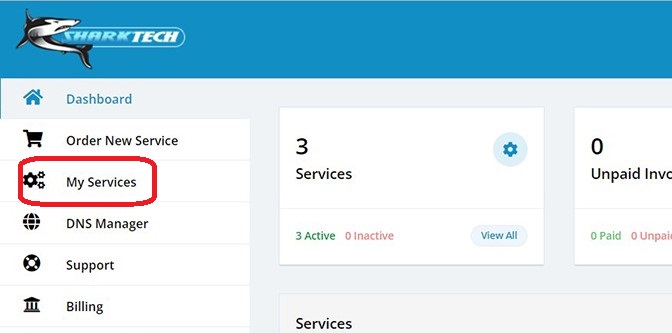
- Log in to your Sharktech Client Area and click on "My Services".
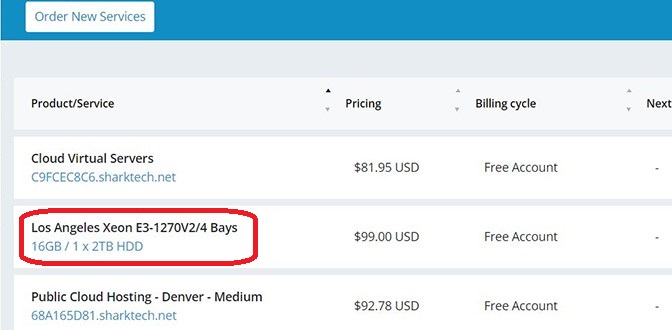
- Select the relevant server from the menu for which you want to access the IPMI Web Control Panel. Click on it.
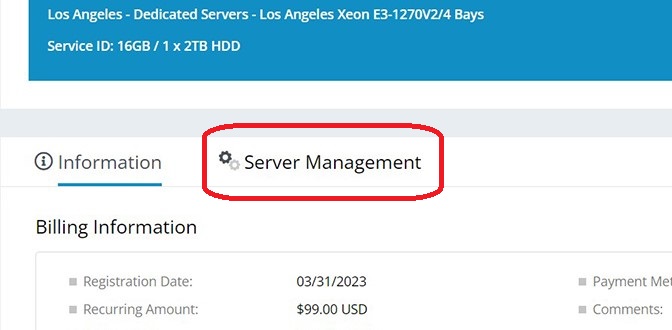
- Click on "Server Management".
- Click on "Open Supermicro IPMI Web Control Panel"
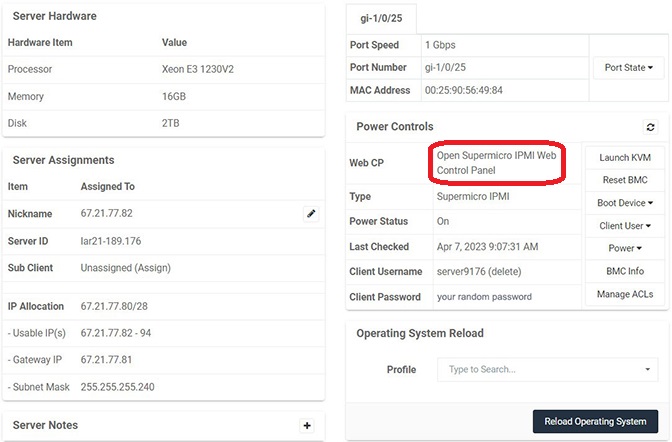
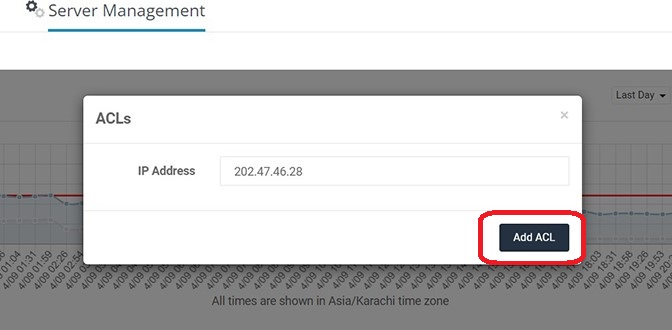
- It will ask you to Add your IP address in ACL list, Click on Add ACL.
-
It will open a window with a Username and Password screen. Enter the username and password from the Server Management Section.

- You are logged into your IPMI Web Control Panel.
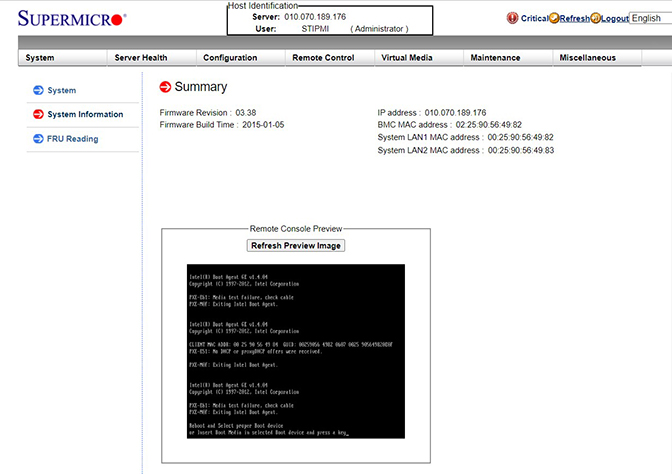
- You're Done.
Dev License: This installation of WHMCS is running under a Development License and is not authorized to be used for production use. Please report any cases of abuse to abuse@whmcs.com



 WGS AI Assistent